Product teams
All department requests on one board, with a brief development understands and a status everyone can see.
A colleague forwards an email, Brikul creates a request, and AI suggests a title, priority, deadline and draft brief. Product confirms and sends it to Development.
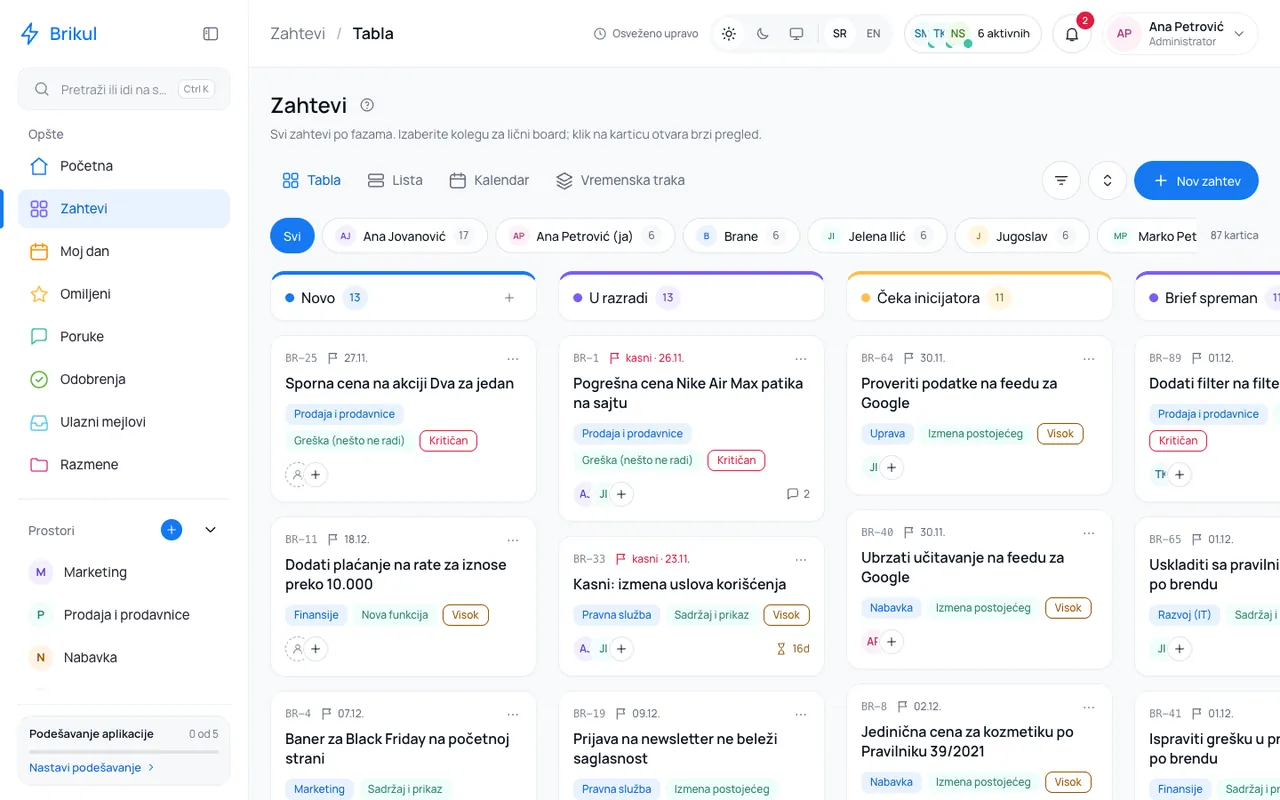
Brikul is a tool for receiving and handling requests to development: every email, form or message from a department becomes a request with an owner, priority and deadline, AI suggests a title, category and draft brief, and the product team confirms it, sends it to development (to Jira or by email) and tracks it to delivery. It was built for the product team of a large retail company and is available under your name.
All department requests on one board, with a brief development understands and a status everyone can see.
An end to requests arriving in corridors and five-email threads: one entry point, a clear priority.
Client requests in one place, with deadlines, estimates and a report per client.
Any team that takes work from other departments and needs to show what was done.
Real screenshots of the live site, exactly as a visitor sees it.
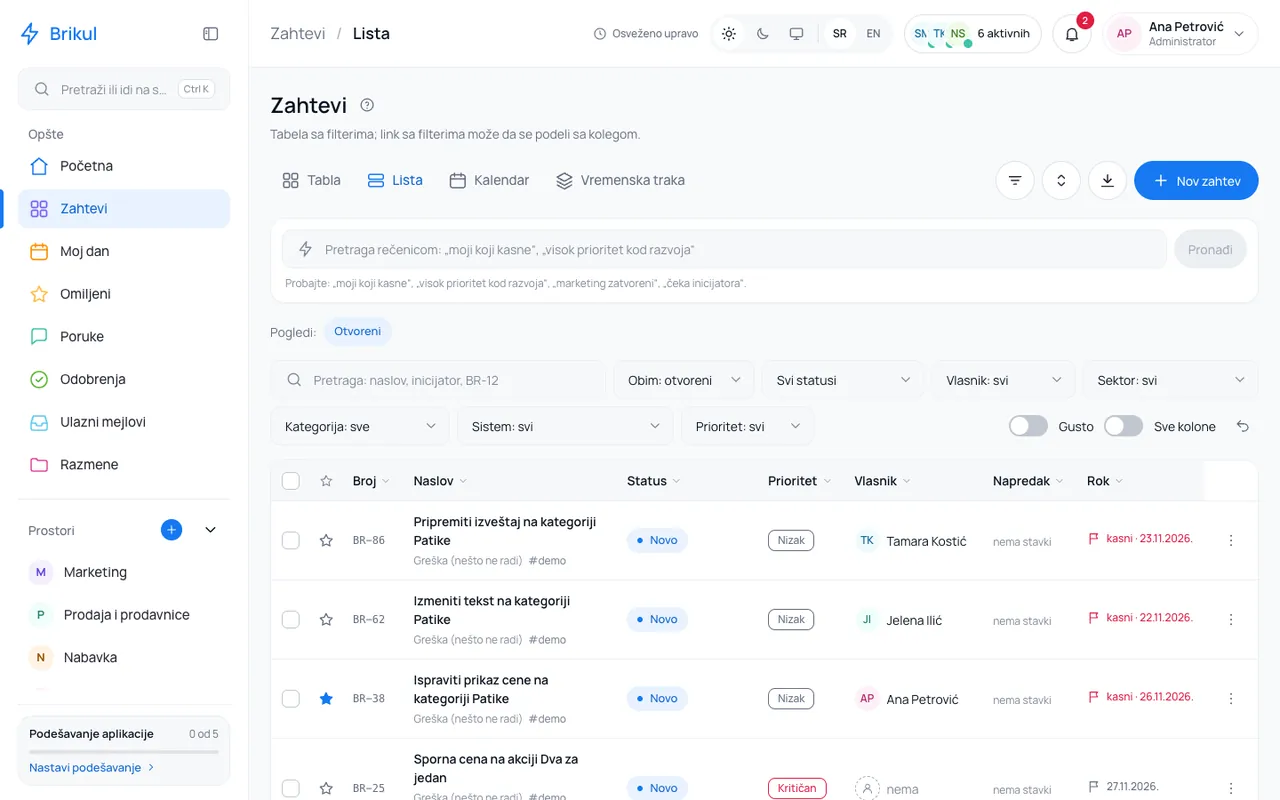
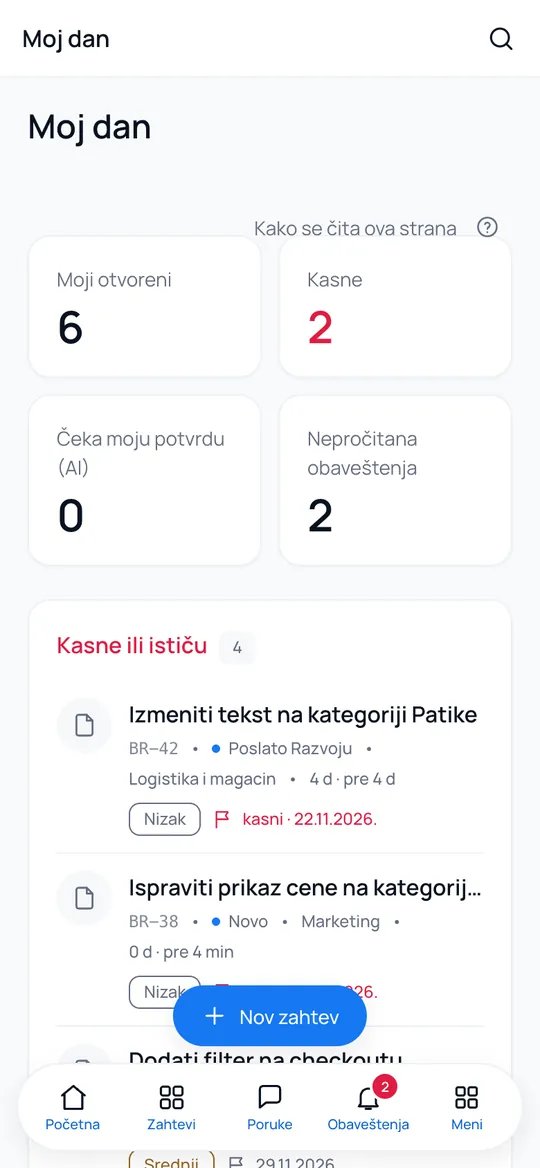
The same content, built for the phone - not a shrunken website.
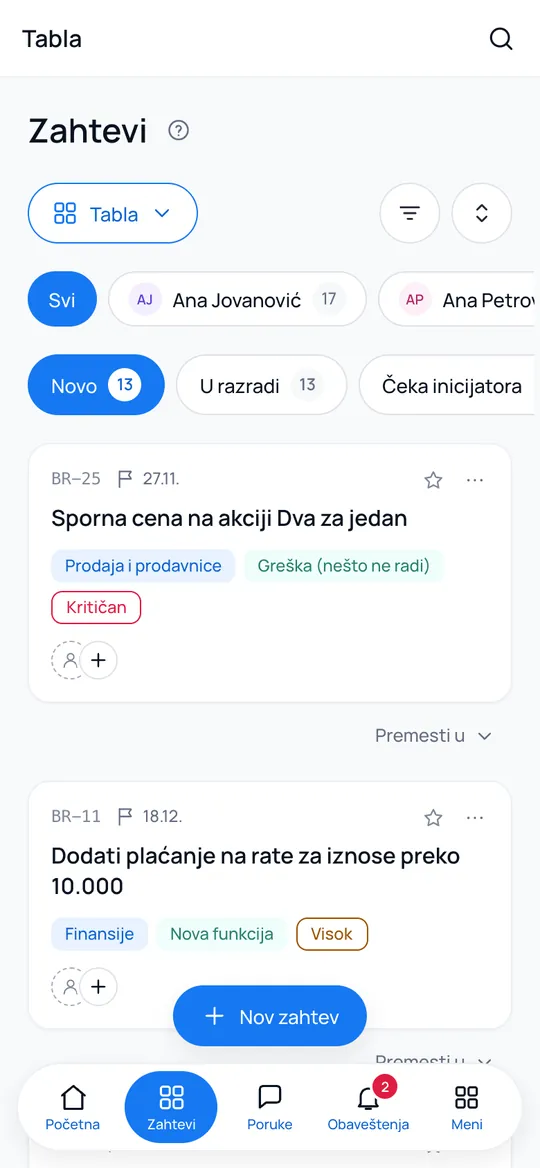
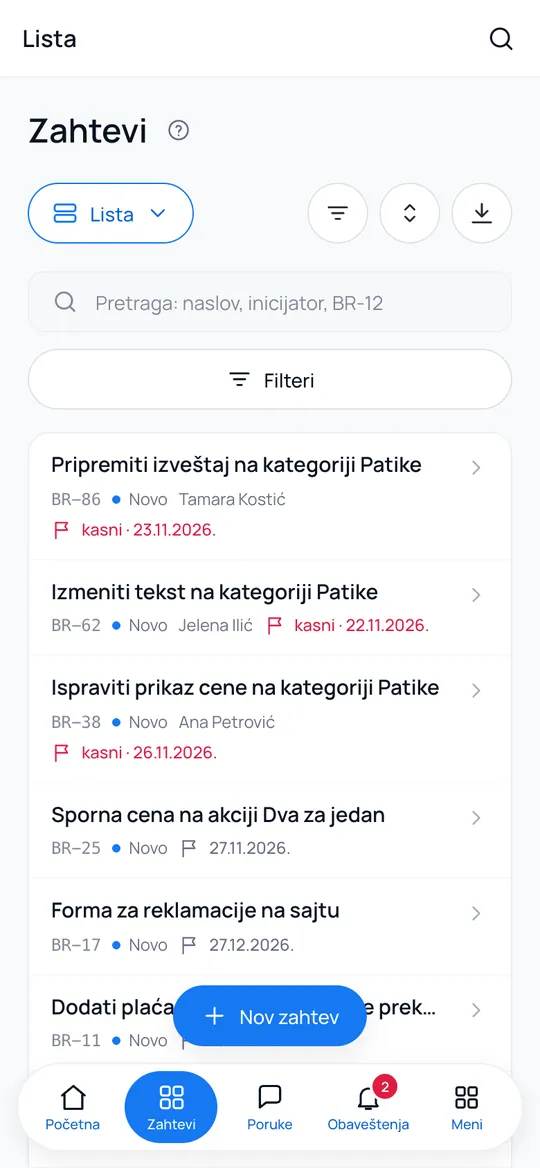
We built Brikul for the product team of a large retail company, so department requests stop getting lost in email. Intake comes via email, a form or a public link, and every request has an owner, a stage and a deadline.
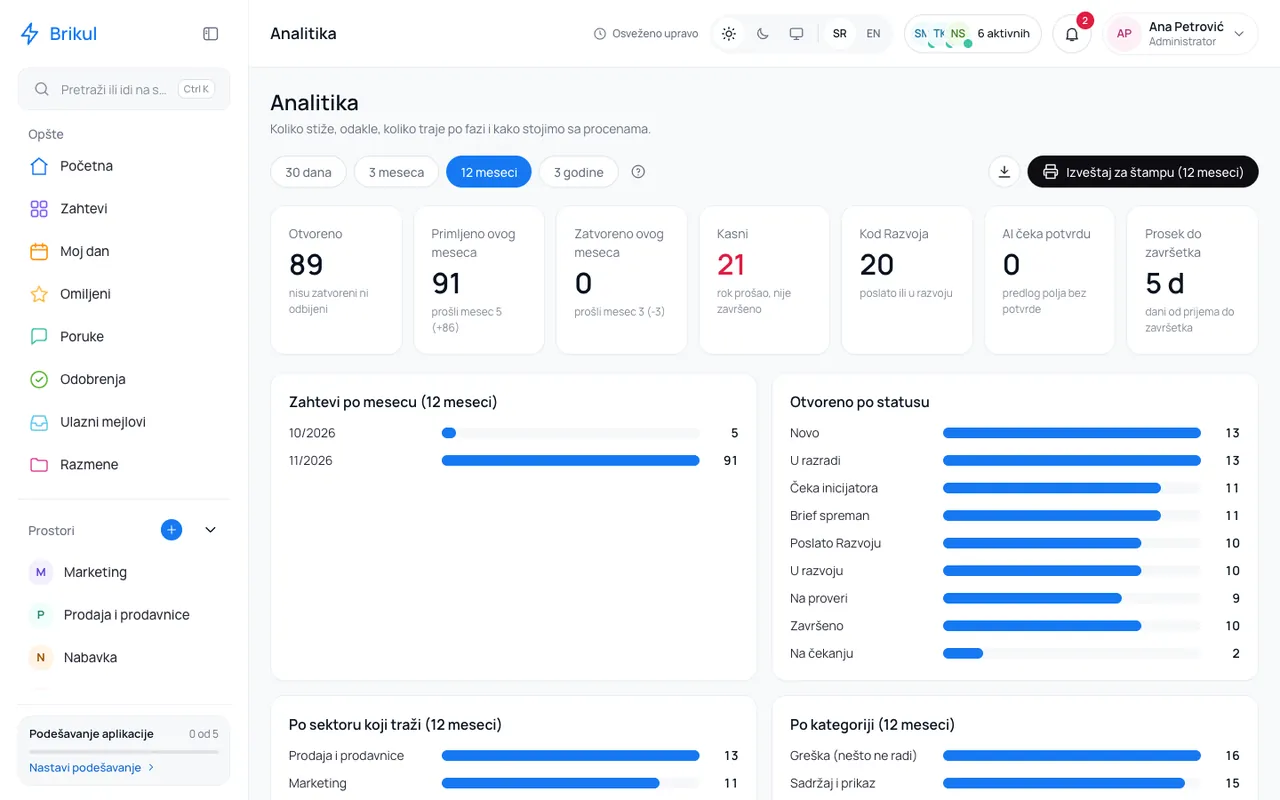
A board by stage, versioned briefs, sending to Jira or by email, updates to the requester and analytics by department. It also works without an AI key or Jira: everything falls back to a manual flow.
Technology Next.js 16React 19PostgreSQLDrizzleJiraPWA
Your name, colours and domain. Servers, security, upgrades and support stay with us, and you set the price for your clients.
Everything listed already runs in production, and you get it from day one, under your own name.
By agreement, on top of the base package.
The brief goes out as a Jira ticket, with two-way status tracking.
Microsoft sign-in and Teams channel alerts for critical requests.
Brikul reads a dedicated mailbox and creates requests from incoming emails by itself.
Runs on your server or in your cloud, with the database under your control.
How requests arrive today, who handles them and where they go.
Departments, categories, board stages, email templates and SLAs.
Mailbox, Jira, Microsoft sign-in and Teams, as needed.
A short session for the product team and a guide for departments.
The first real requests, then analytics after the first month.
The same technology in both models. The difference is who keeps the code and who carries further development.
Brikul is a tool where department emails and forms become requests to development, with an AI-drafted brief, priority and deadline, a stage board and analytics.
Yes. AI speeds up filling in the fields, but every field can be done by hand, and there is also a flow where the suggestion is copied from any AI tool.
Yes. The brief goes out as a Jira ticket, and without Jira it goes to development by email.
It gets an email at every important change and a survey when the request is closed, and replies to those emails attach themselves to the request.
On a server in the EU or on your side, with an access log and anonymisation of old requests.
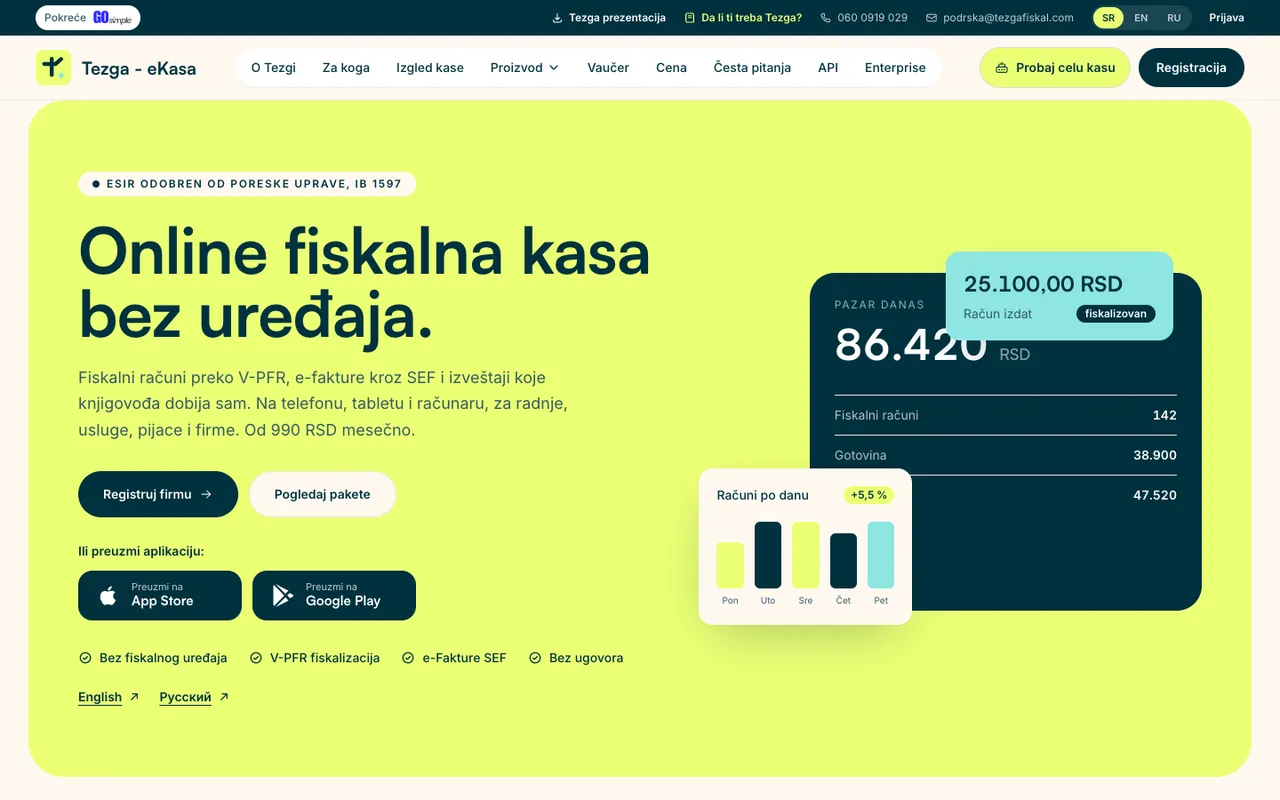
A fiscal cash register we build and maintain ourselves: web, iPhone, Android and L-PFR, connected to the Serbian Tax Administration.
Technology Next.js 16React 19PostgreSQLDrizzleiOSAndroidL-PFR
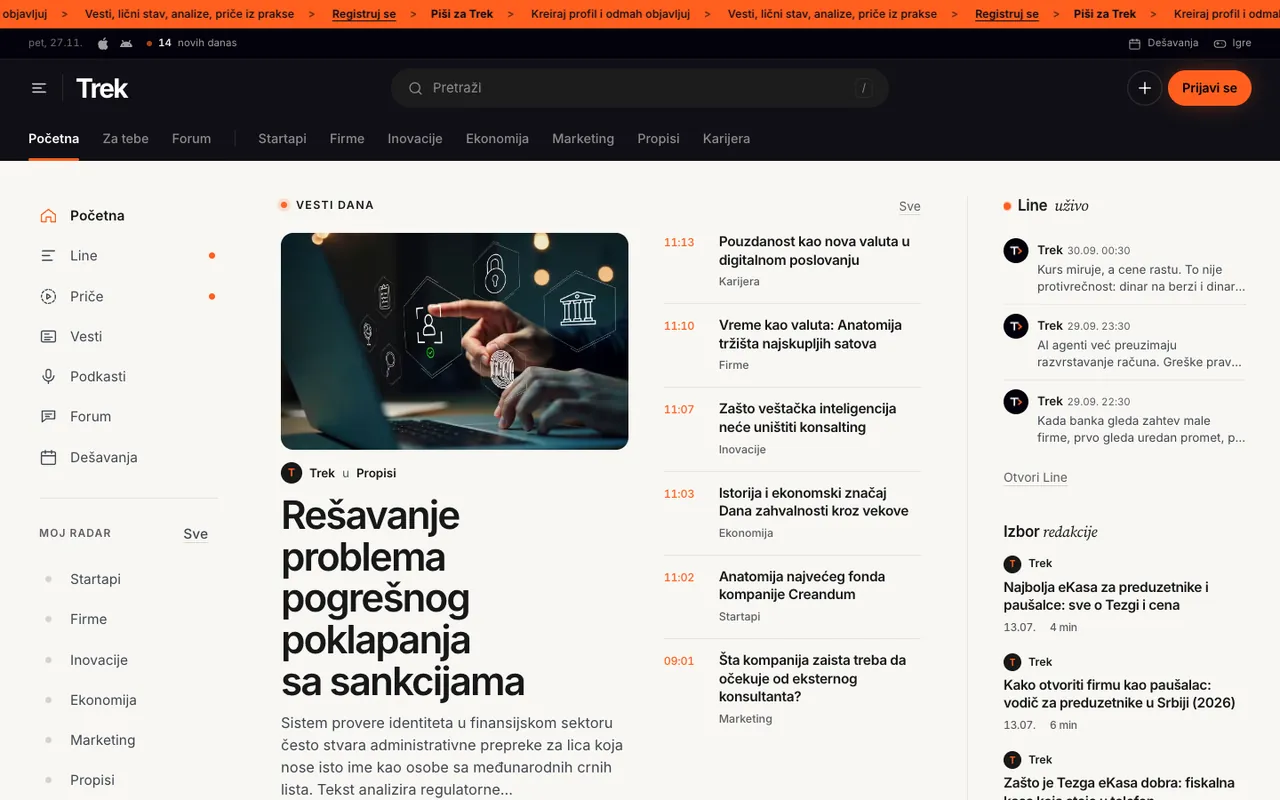
View project →A business magazine and portal with a mobile app, under your brand and domain. Available to rent or to buy.
Technology Symfony 7PHP 8PostgreSQLiOSAndroid
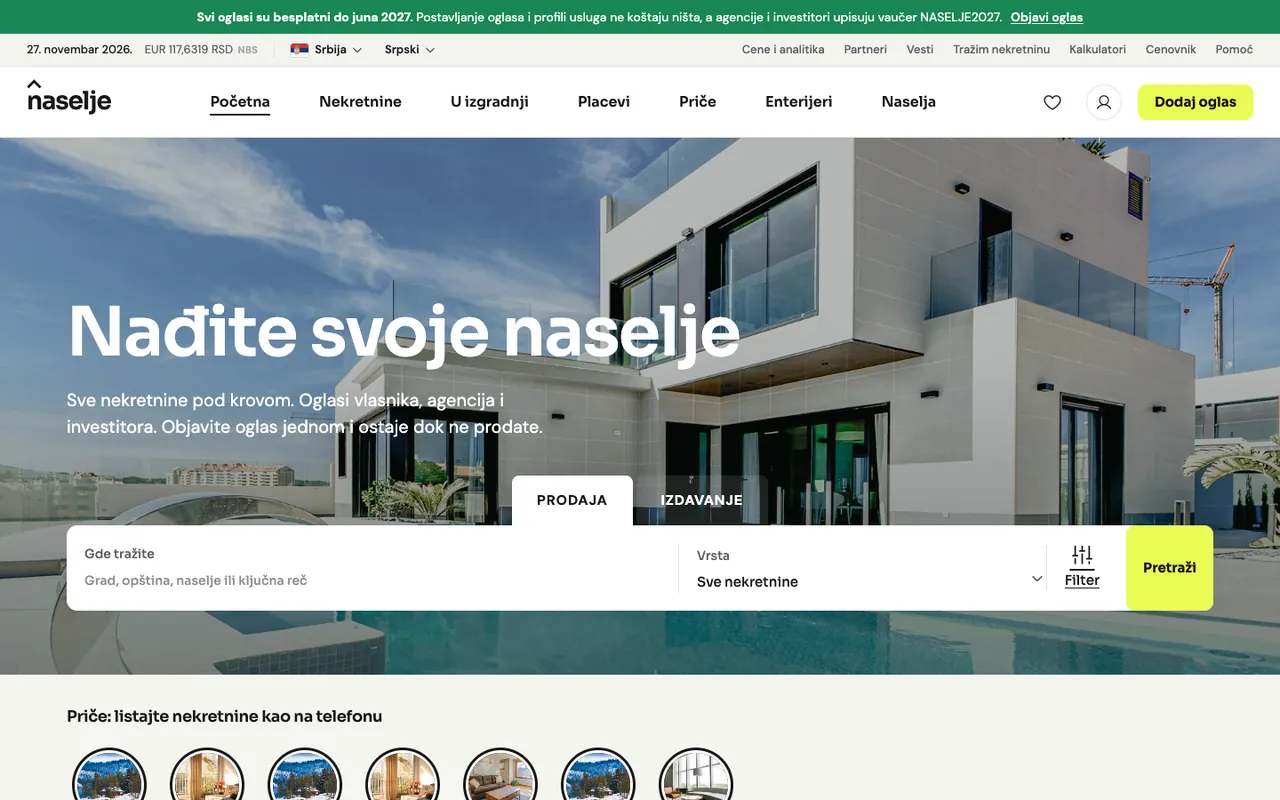
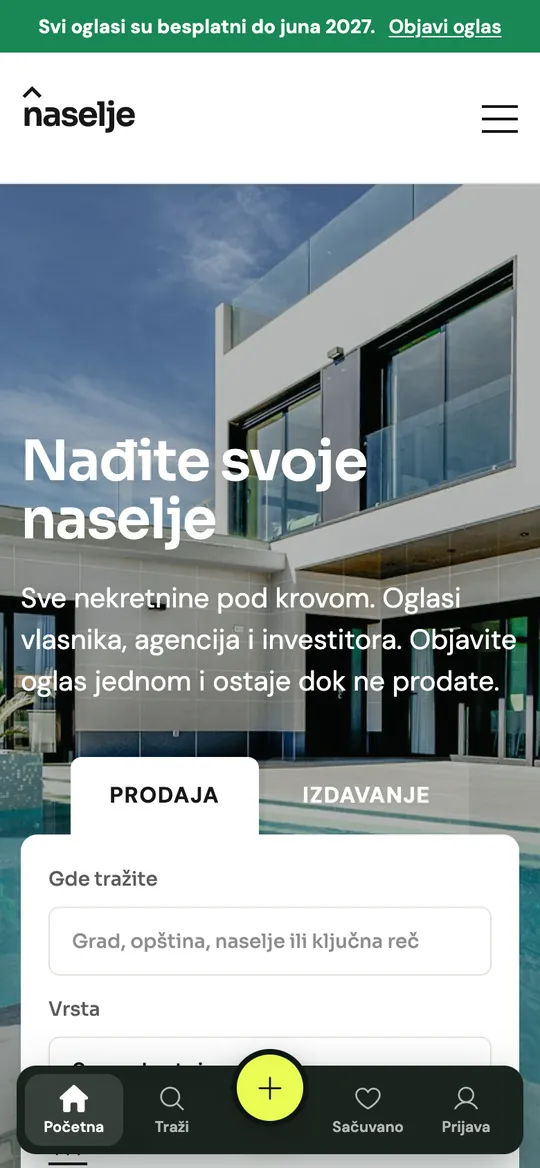
View project →A real-estate marketplace for Serbia, Croatia, Slovenia, Bosnia and Montenegro, ready to launch under your name and domain.
Technology Next.js 16PostgreSQL (Neon)DrizzleTypeScript
View project →